xTool O1 OMNI Review
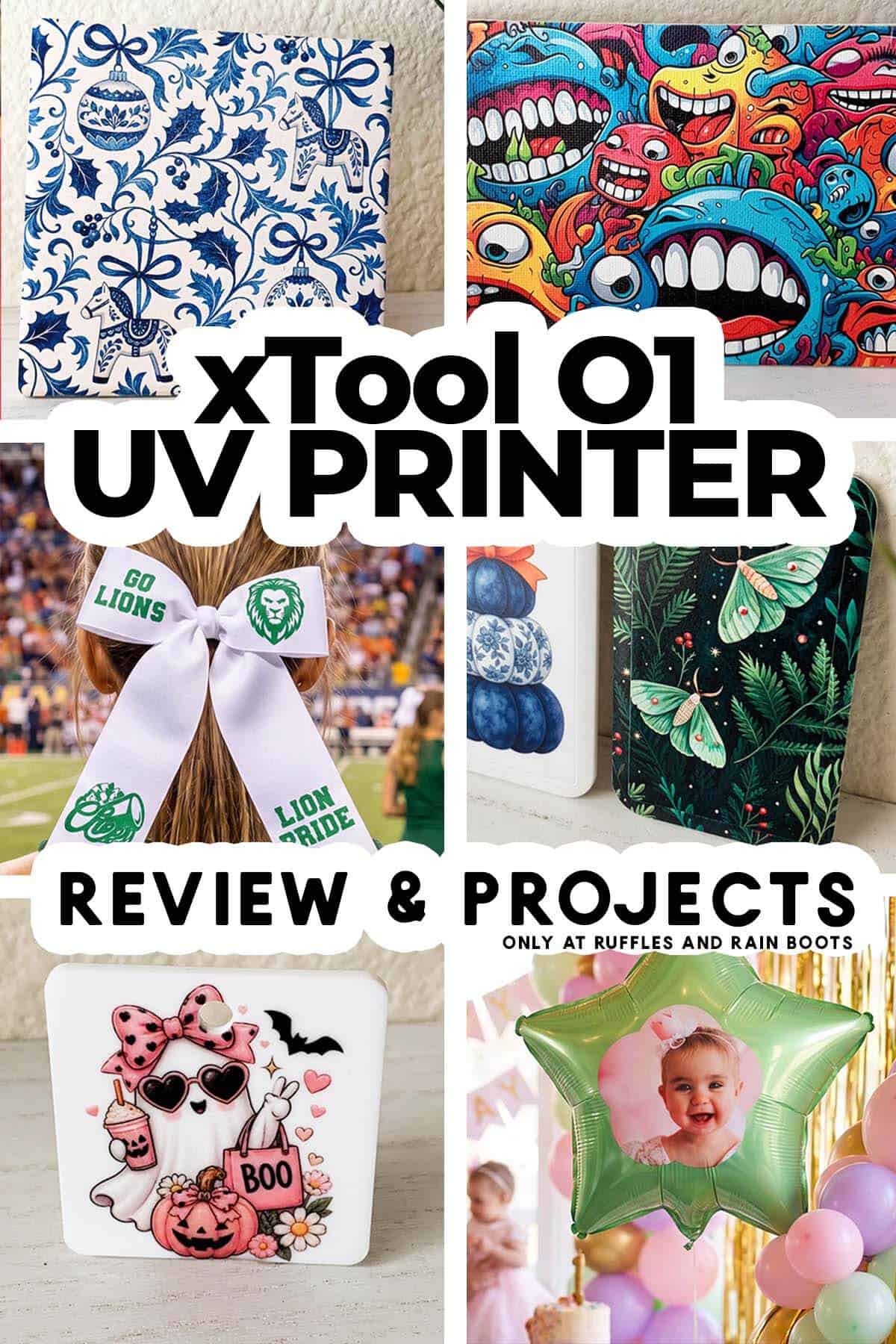
After working with it for months, I’m sharing my xTool O1 review and I have a lot to say. I really put this thing through the ringer and, having a very strong background with xTool products, you can be sure I was thorough.
RELATED READING: How to Print UV Acrylic (and Bend It)
As an Amazon Associate, I could earn from qualifying purchases. There could be affiliate links within this article.
What You'll Find On This Page
The xTool O1 OMNI UV Printer – Right for You?
Here at Ruffles and Rain Boots, I’ve been working with cutters, lasers, and other craft tech for years. With most machines available to makers, there is a steep learning curve we have to struggle through before we can say we’ve really learned it.
But with the xTool O1 UV printer, I feel that learning curve has flattened out. Is it because I’m a master of craft tech? Nope. It’s because this machine and the software work to make it easy FOR me.
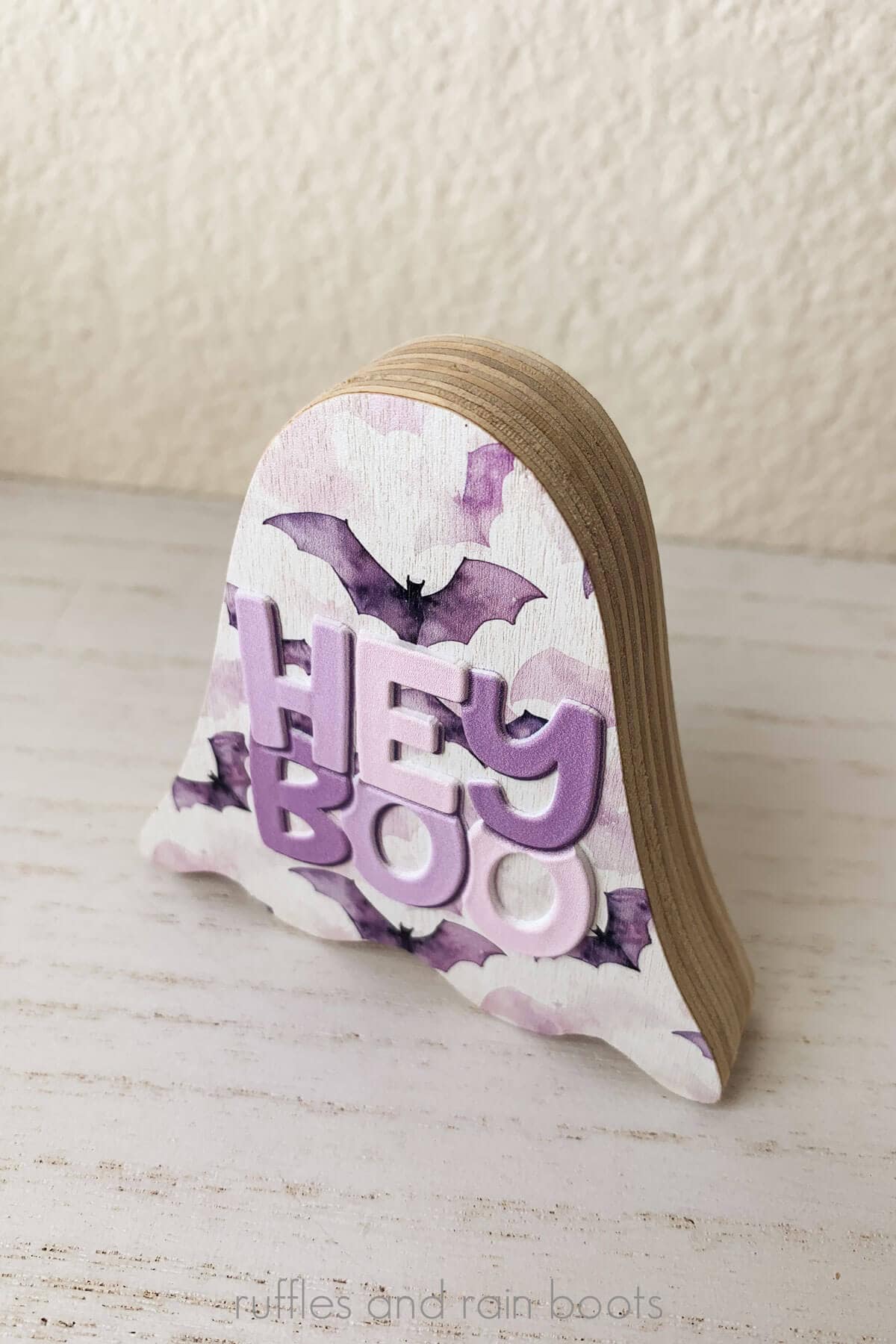
PROs, CONs, and Do I Recommend It?
If you’re looking for a “just the facts, ma’am” section, this is it. As I mentioned, xTool sent me this machine and I’ve thoroughly tested it.
Do I recommend it? Yes. Actually it’s a very loud and forceful, “Yes!”
It’s easy to set up, easy to use, and easy to get addicted to customizing everything you can get your hands on. But it isn’t for everyone.
If this is just something for your craft tech collection and you aren’t going to use it, skip it and buy finished items. The machine needs to be used even though it has quite a bit of the maintenance done for you.
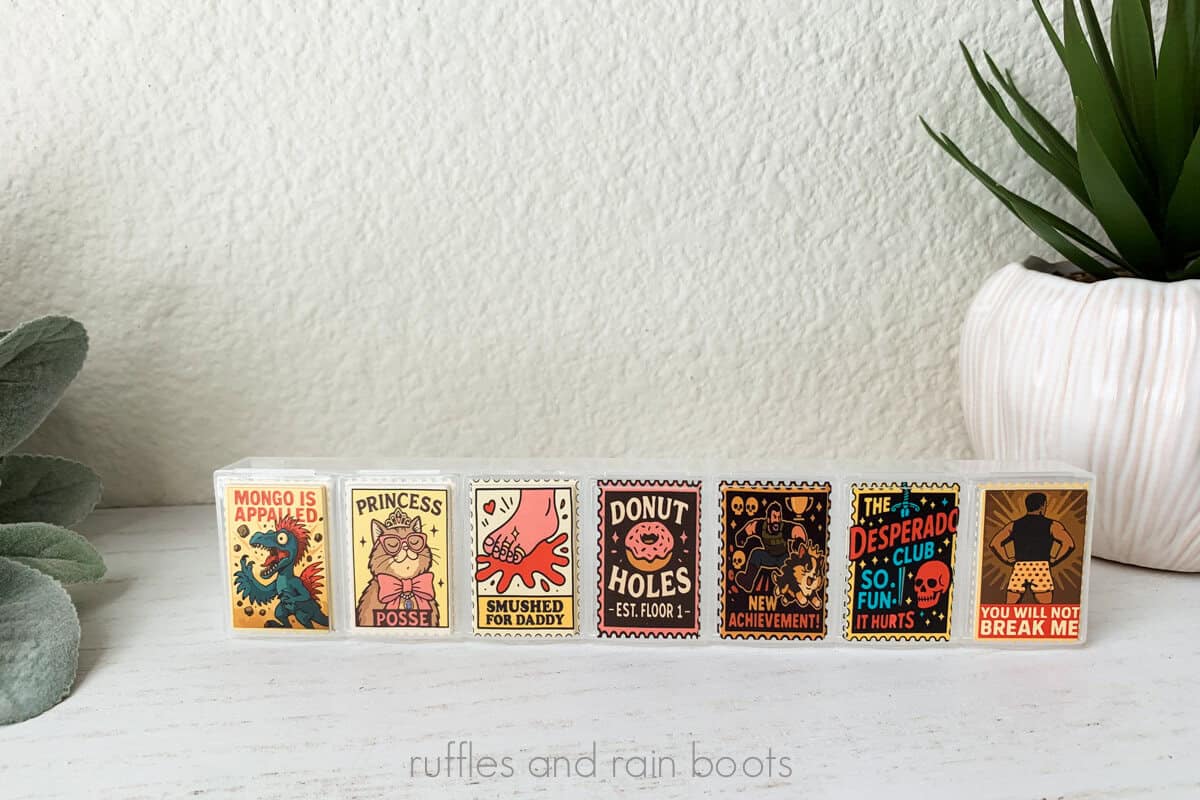
PROs:
- everything you need to get started included (see tips below)
- it’s ridiculously easy to use, as are the accessories like the tech-forward rotary
- the software actually has enough design capability and variation that you won’t feel limited or have to pay for expensive design programs
- the automated maintenance is a win-win and cleaning is a breeze
CONs:
- because consumer UV printing is new, it’s an investment in craft tech
- the cost of ownership will include replacement print heads (on average once a year) and, at the time of publishing, this cost is unknown but range expectations are somewhere between 250 and 500 per head
Want to See TONS of UV Printed Projects?
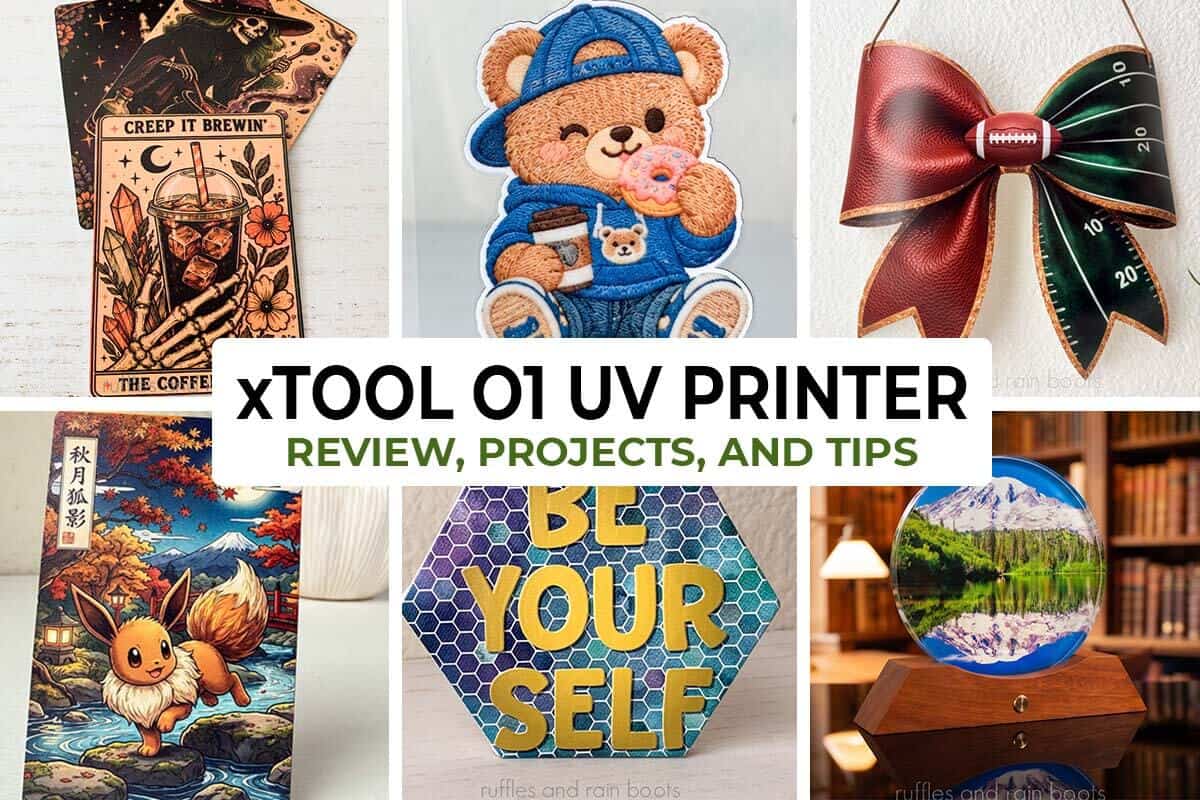
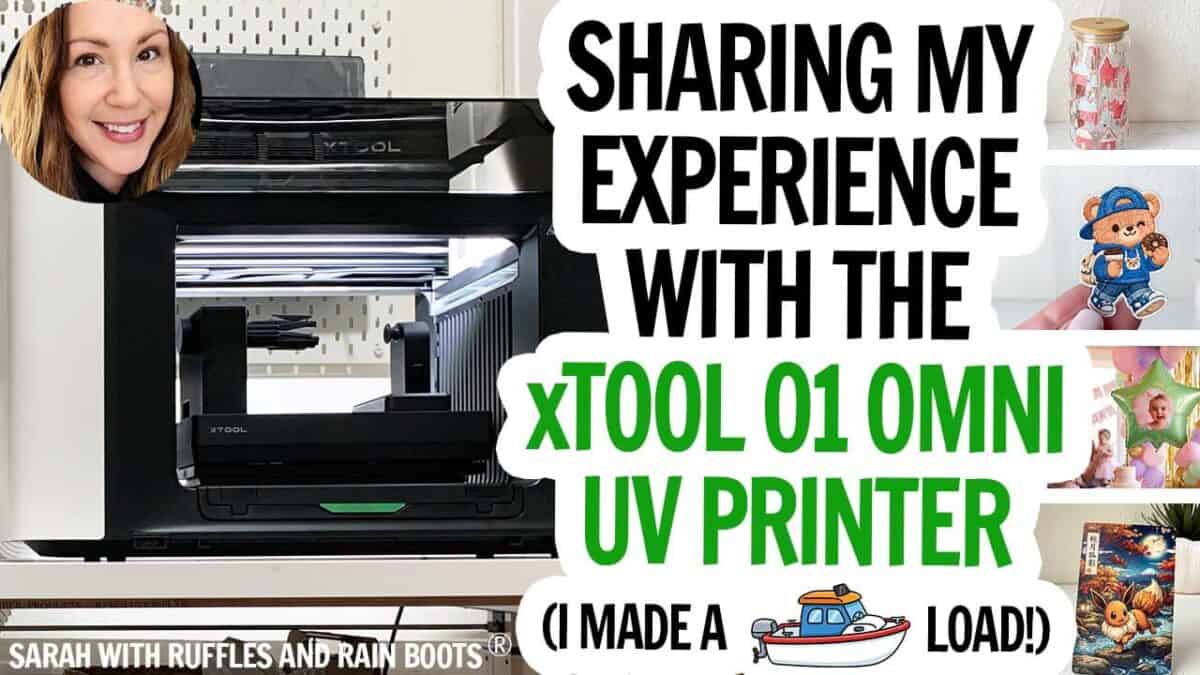
If you’re a visual learner, you can watch me share a ton of insight and projects in my xTool O1 OMNI UV printer review video. I promise, I’m less snarky on video than I am as a writer (but alas, you can’t take the sarcasm out of a girl).
RELATED READING: Gift Ideas to Make with the xTool O1 UV Printer
My Set Up and Available Models and Accessories
I have the dual UV model of the xTool O1 OMNI and am really glad I chose this model of the three. As a reminder or if you’re just learning about the offerings, you can purchase a single UV head, a dual UV head, and a UV + DT head (direct to garment).
All colors are flexible but white does come in both rigid and flexible.
- Single UV Head: CMYK + Rigid White + Varnish
- Dual UV Head: Single + 2x Flexible White + 2x Rigid White + Fluorescent Red and Yellow
- UV + DT: Single + DT inks (direct to fabric / direct to garment)
You can set up a free demo call with me here (I’m an official xTool Squad host) if you want help to determine which model is right for you. Here are the most frequently asked questions I get about the models:
- What model(s) can print stickers? All of them. You need A film and B film.
- What model(s) can print direct to fabric? Only the UV+DT.
- Are they all the same size? Yep.
- What model(s) can make pizza? Just checking to see if you’re still reading.
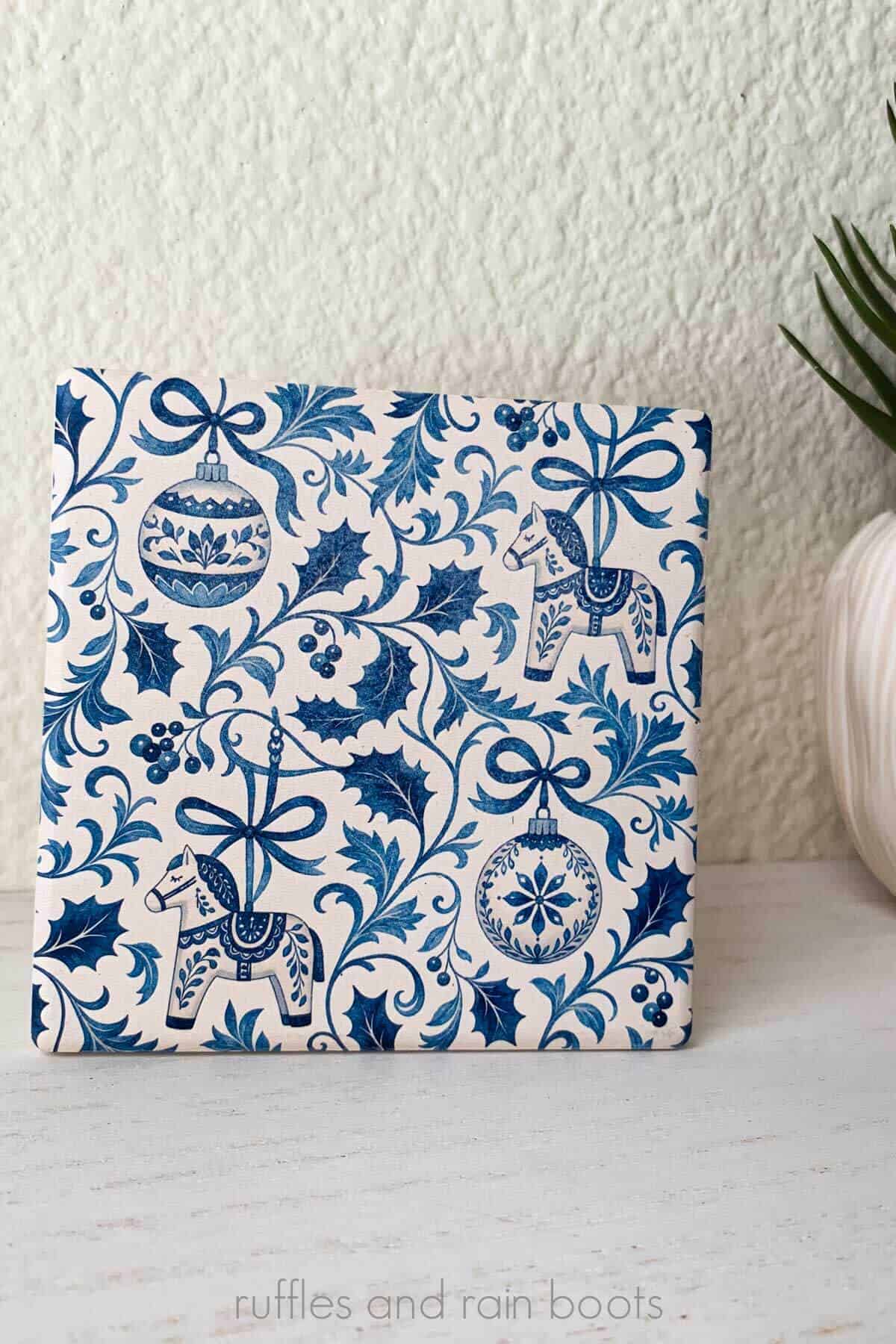
My Set Up and Accessories
In addition to the dual UV model, I have the laminator and the rotary. The laminator is cool because it integrates with the machines, if needed, and literally hooks to the roll feeder for a continuous feed.
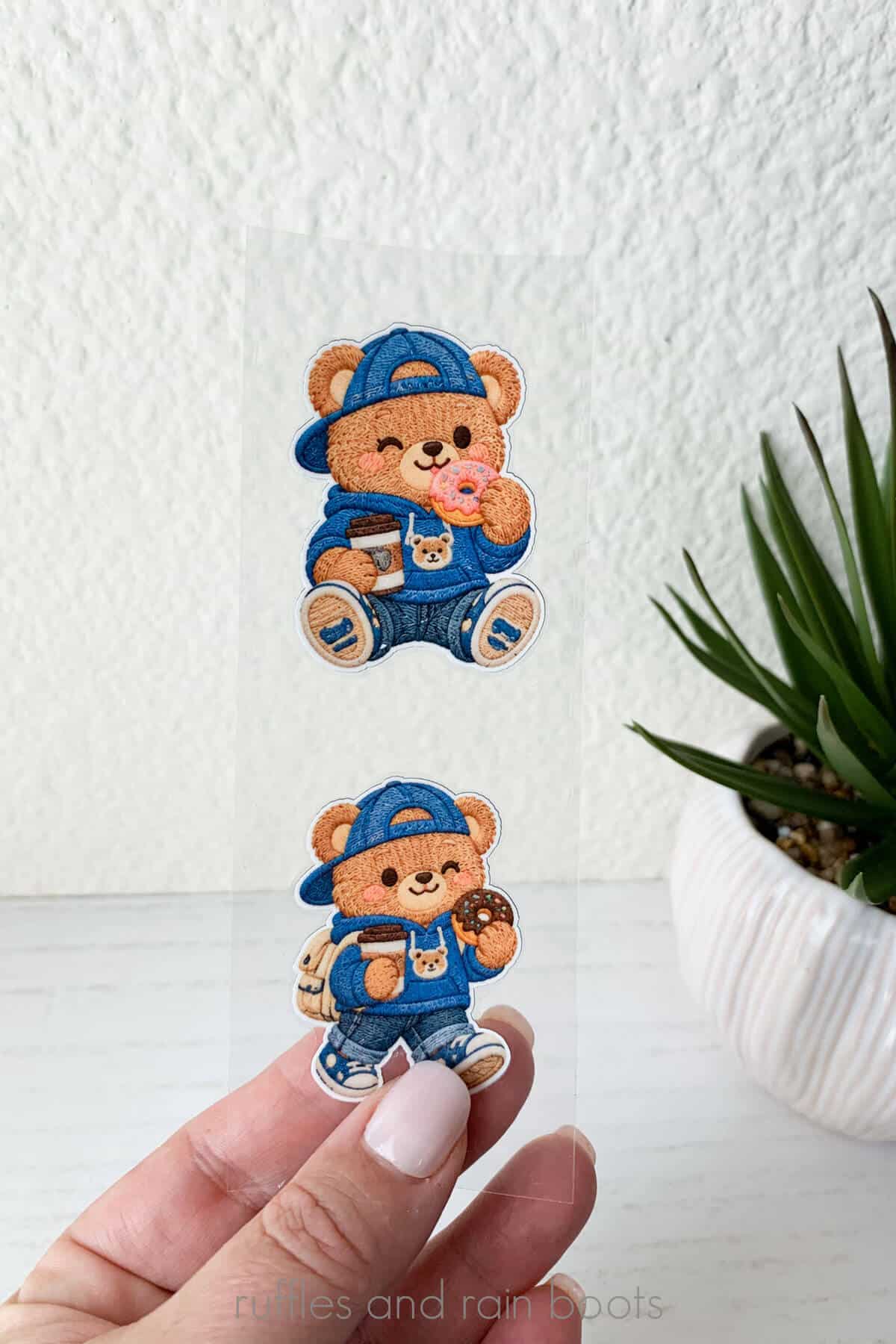
The rotary and I have bonded on a cellular level – I love that thing. It’s easily the most amazing piece of craft tech because I only have to add something onto it – it does EVERYTHING: scan the tumbler’s logo or existing pattern, measure, level, and make me a cup of coffee.
Just checking if you were still paying attention on that last one. ;)
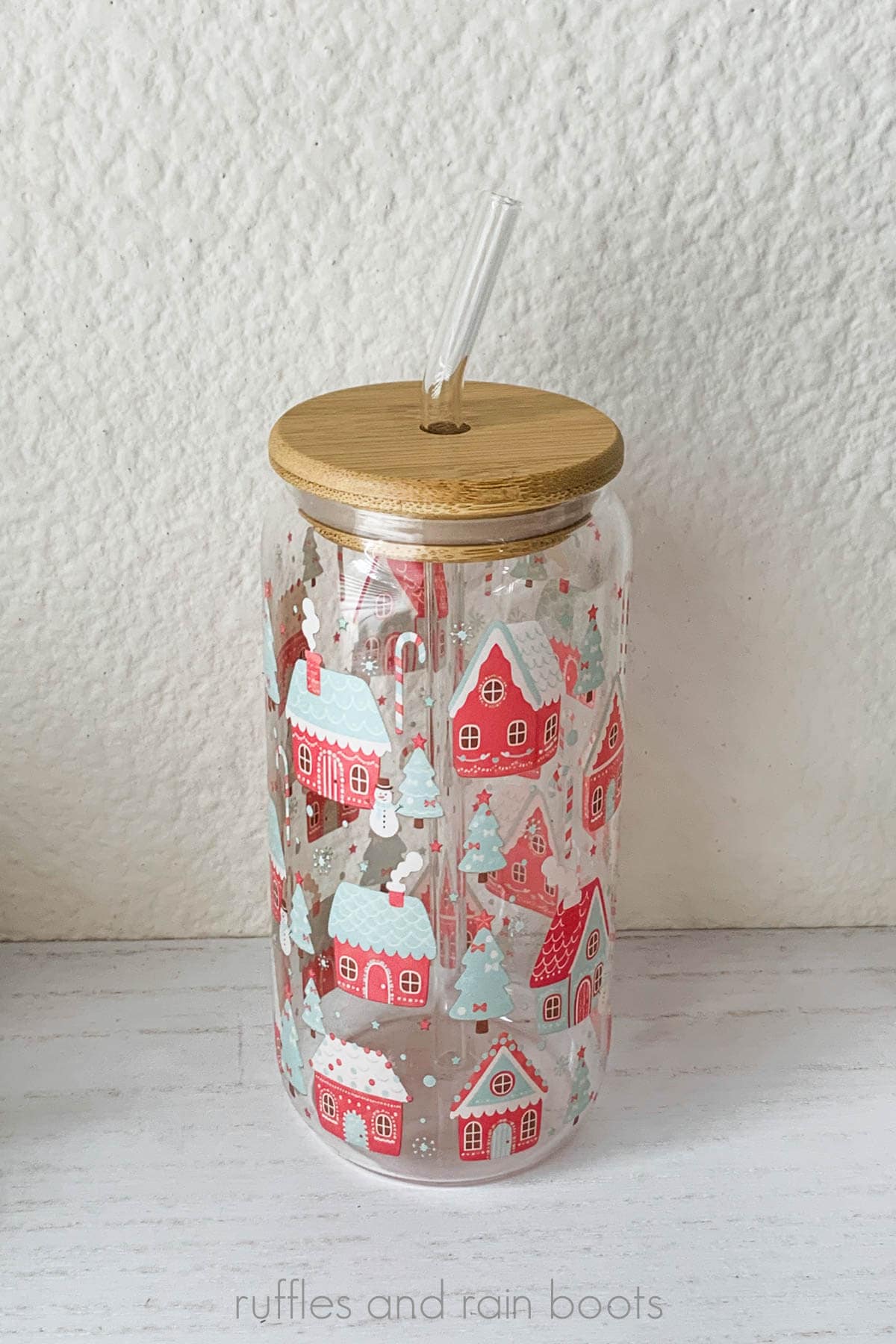
I pair my set up with the xTool AP2 (mid-level purifier in the xTool line up) for when I’m working on long jobs or have both doors off printing a lot in a day.
What Else?
With regard to the set up, there is also a roll feeder available if you’re going to work with longer stickers / decal offerings or canvas. You can pair it with the laminator to pull through the material – very cool.
On a set up note, you’ll need a good bit of room OR be able to access the side and top panels for maintenance. I have mine on a 24″ deep by 55″ table and the sliders help me move it near and away from the wall. If you’re planning on a cart, make sure it is stable because this thing can get to shakin’.
So How Does the xTool O1 Dual Perform?
The consumer UV printing space is heating up with at least four brands entering the game in 2026. You’ll have options, so how does this one stack up to what’s out there?
- The xTool O1 shines with the software. Not only is it free, but you can learn it quickly and it has a plethora of real-world design options built right in. There isn’t another one on the market with this offering.
- The tech and software are well-integrated. If you want a seamless print then cut experience, you’ll get it with this set up. Want varnish variance? You got it. What about foil options for stickers and acrylics? Yep, you get those, too.
- The rotary is darn near hands off and I love that for me (and you). Stick the item on and watch it do all the work we used to have to do manually.
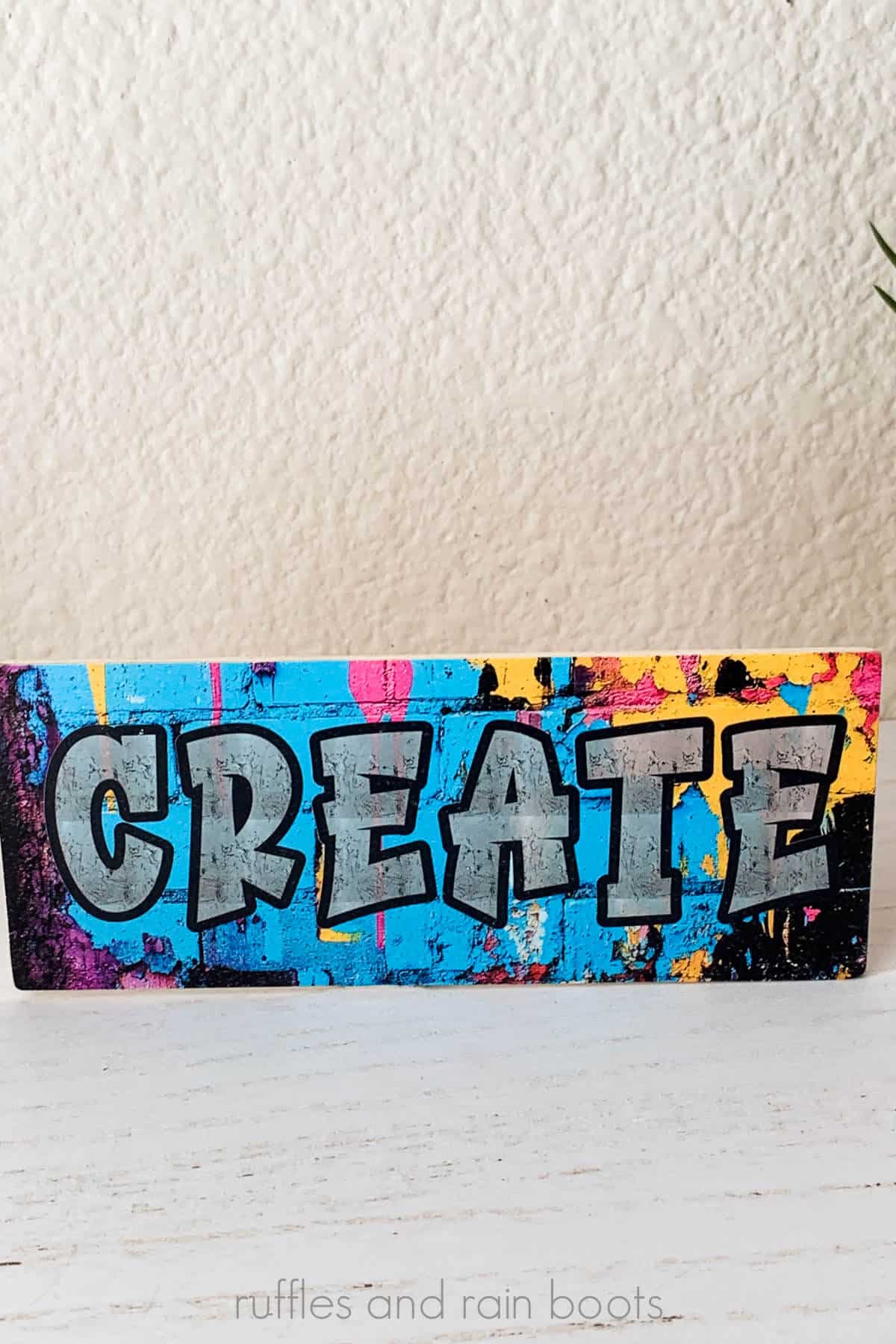
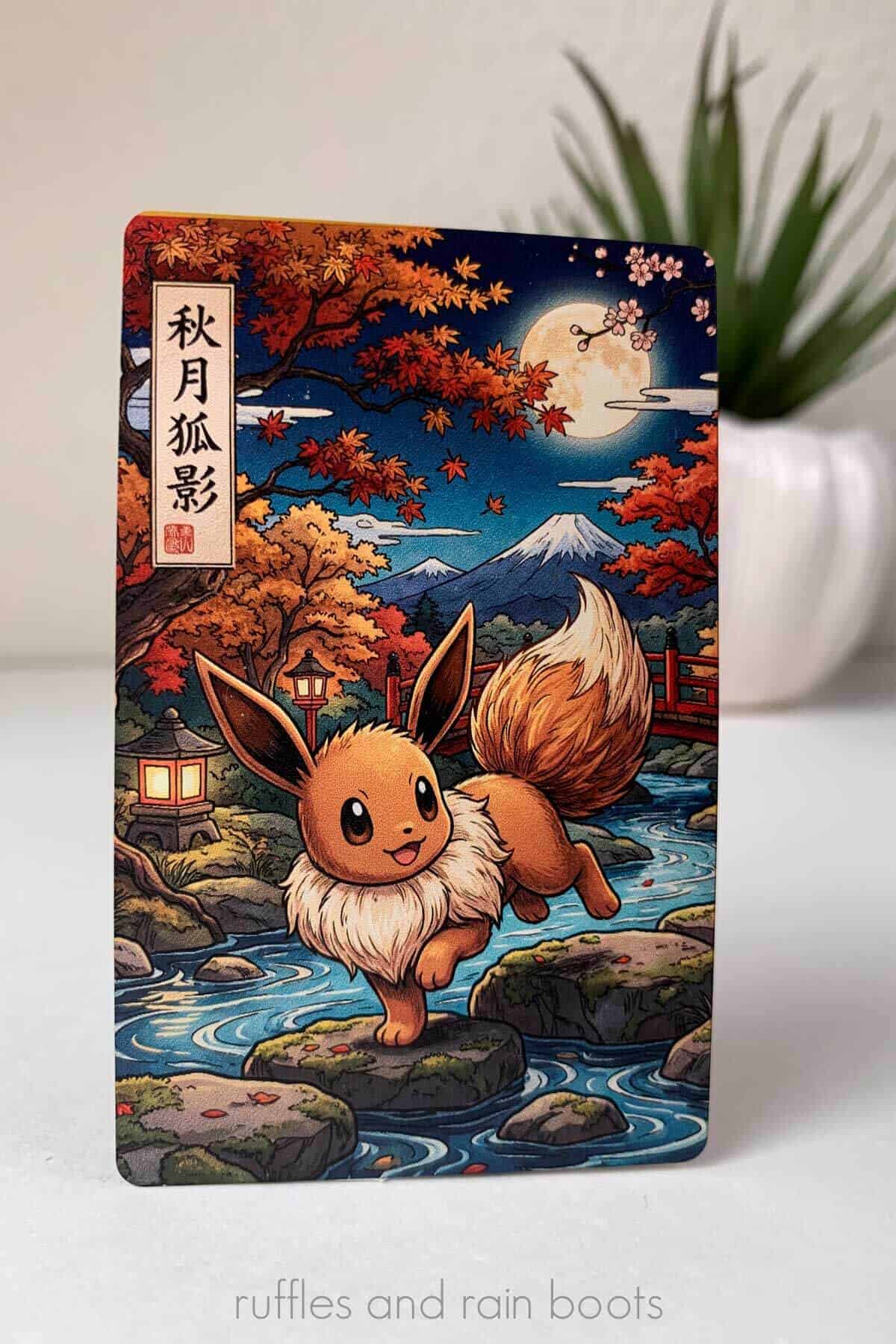
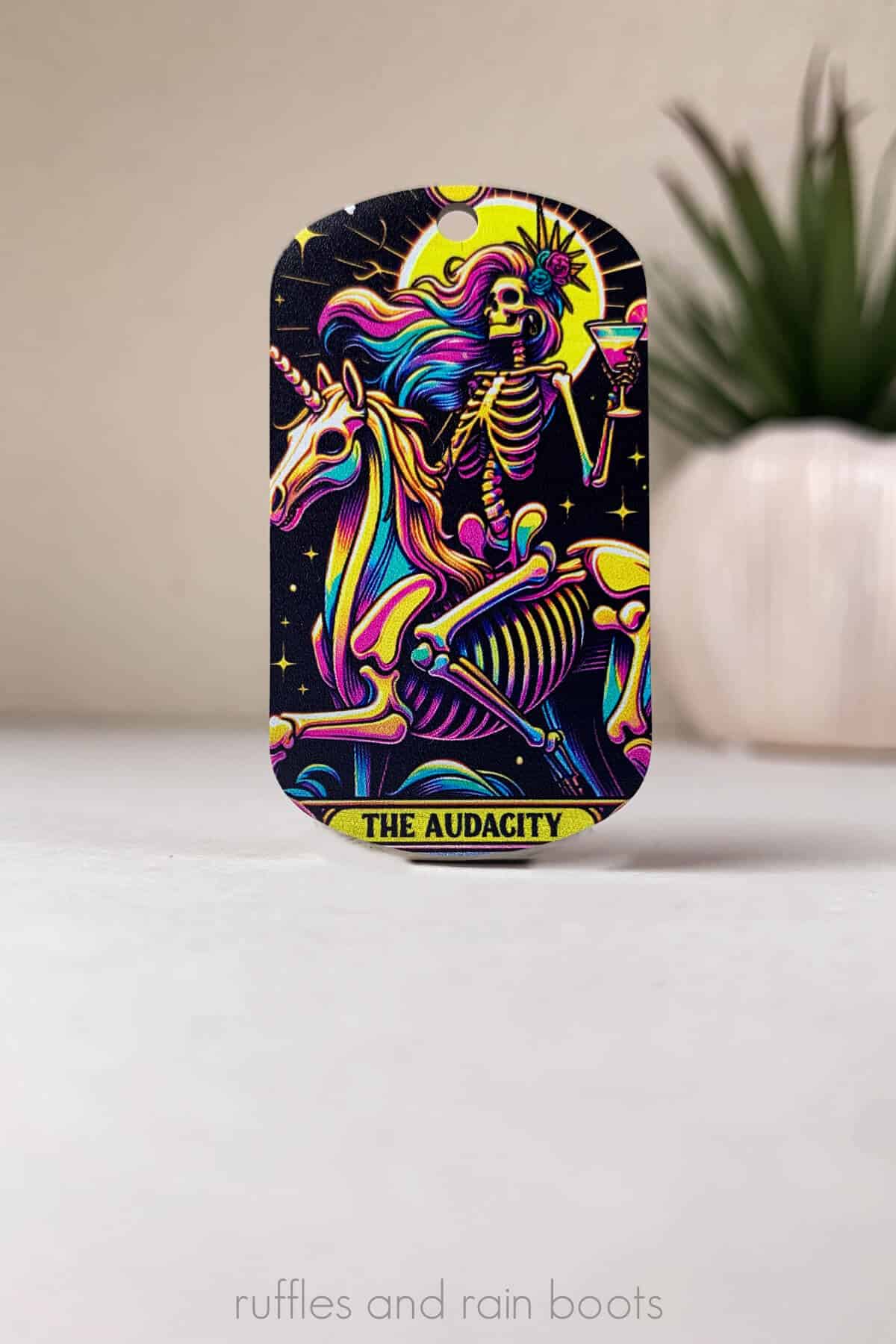
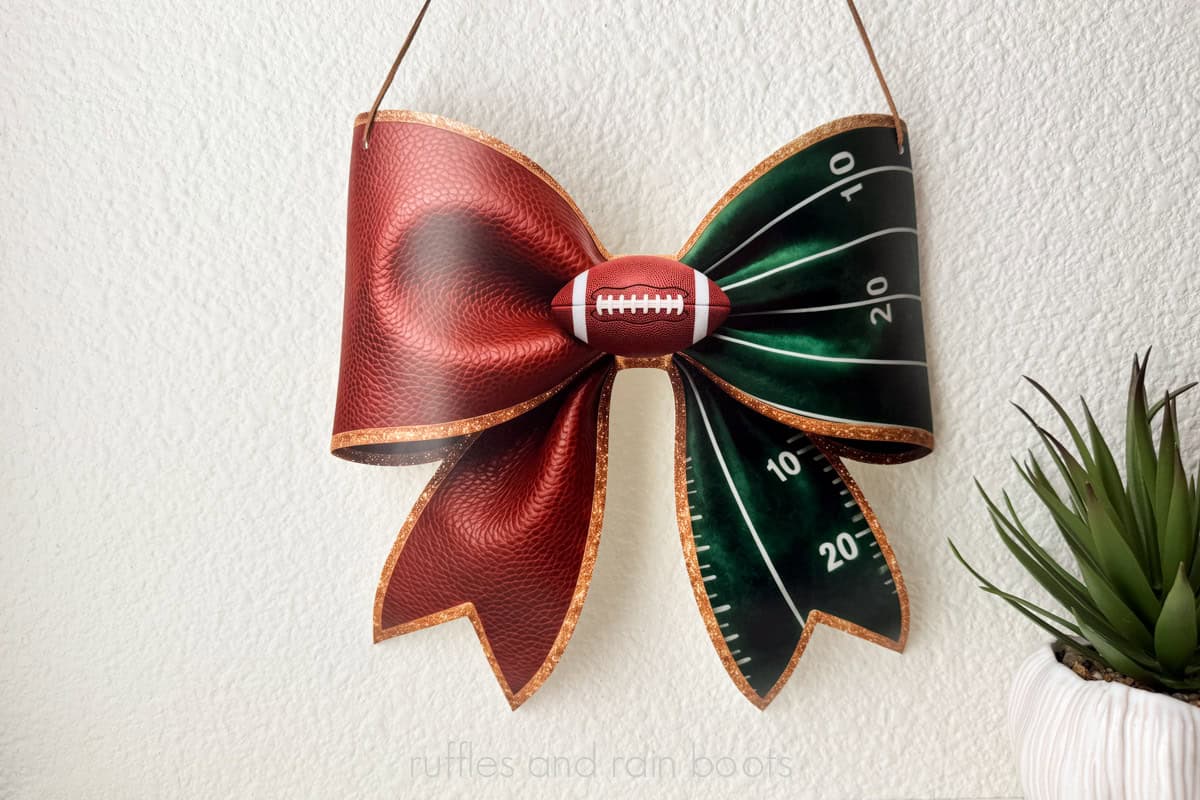
- The prints just come out amazing and I know next to nothing about UV printing. You’ll have to dodge all of the armchair Facebook “experts” giving advice in the beginning, but if you learn a little about the right adhesion promoters, you’re unstoppable from day 1.
If you don’t have any gear from xTool, they stand out in the craft tech space for a few solid reasons. They are constantly striving to offer better tech – both better than their competitors, but also better than what they’ve already put out.
They’re also consistently working to make the user experience better. You can give feedback through the software or customer service sure, but those engineers and project managers are also in the Facebook groups and on Discord reading our wins, frustrations, and helping with issues.
Problems I’ve Faced Using the UV Printer
Aside from the fact that I’ve only ever ordered completed UV printed items, I had no knowledge when I opened this machine. Have I had some problems while learning it? Yes.
Do any of them give me pause in recommending the xTool UV printer? Not a single one.
- I messed up my first tumbler because my two print heads weren’t aligning on the rotary even though they were aligning on flat prints. Users like myself and others brought the misalignment issue to light in the official Facebook group and we now have a calibration to run to avoid this exact issue.
- This is a fluid launch. We can have a firmware update at any time (and we have had a couple since I’ve been working with the machine). When one of the forced firmware updates occurred, I received an error every time I printed about cleaning when I had already done so. Catastrophic? No. Annoying? You bet. Has it been fixed already? Yes.
- The xTool O1 was a pre-order and extra ink orders are not yet shipping, even though people are receiving their machines. I’ve been able to send out quotes and samples but am wary about taking on large projects because I don’t yet have it on hand. Do I have an estimated ship date? Yes. Do I see this as a reoccurring issue? Nope.
If You Know You’re Getting It, Here are a Few Tips
- Start small. For the love of all things, use small blanks like acrylic, keychains, mini canvases, coins, and similarly-sized items to learn the software and texture options. You don’t want to blow through the ink messing up bigger prints.
- Adhesion promoters. There are ways you can mess up and about 90% of them all stem from not understanding what items need a promoter. Glass, metal, and acrylic – if you plan on working with any of them, get a corresponding adhesion promoter to help them last.
- Calibration. If you get the dual, run the calibrations before working with the rotary or making stickers (A film + B film). You can avoid misalignments of the white and color layers every time.
- Maintenance. Do the weekly and monthly maintenance. It’s quick, has video tutorials built right into the software, and it keeps your print heads working better longer, thereby reducing the cost of ownership.
- Order ink and maintenance items. The sticky mats for both the beds, moisturizing fluid, and other items should be on hand once you start using it just in case… I’d be madder than a hatter if I couldn’t use the thing because I didn’t have something simple.
My Overall Thoughts About the xTool O1 OMNI UV Printer
Hands down, I really like using the xTool O1 and have incorporated it into my workflow. The learning curve is not intense and it’s a FUN time.
I’ve been able to draw up a sketch on my iPad, translate it to a workable file using the free xTool Studio software, print, cut, package, and ship it all in the same day. Once I learned the print set up section of the software and learned the terminology of printing (choke, feather, high drop), it has been a non-stop good time.
If you want to get your own, set up a free demo call with me (I’m an official xTool Squad host) or get your own xTool O1 OMNI UV printer. Psst: let me know which model you get and I’ll help you decide on accessories or materials.
You Might Also Like
- xTool M2 Review and Projects – Listen, if you don’t have a laser, your UV printer will be lonely. This is a great one for beginners.
- How to Engrave Metal in COLOR – Yeah, it’s as cool as it sounds and you’re going to feel like a rockstar with the xTool F2 when you make your first piece.
- Laser Cut Cake Toppers – Just spit-ballin’ here, but if you get a CO2 laser to be besties with your O1 UV printer, you can make custom-printed acrylic cake toppers!
Please Save or Share This xTool O1 UV Printer Review
If you found this review helpful, let me know in the comments below. If you’ve watched the video above, you know I spend a LOT of time, effort, and money to make my reviews helpful to users like us.
Your shares are how this site grows and I am sincerely grateful. Please share this with a crafty group on social or save it to a DIY pin board.
Meet the Creator
Hi there, I’m Sarah Nenni-Daher. I’m a crafty gal and always have at least 14 projects going at once. I am a crafter, designer, DIYer, and pattern maker. I share my creations here and in the Ruffles and Rain Boots® Shop.
Here at Ruffles and Rain Boots®, you’ll find DIY gnomes, crafts, gifts, cupcakes, laser crafts, and so much more. I love sharing video tutorials over on YouTube and chatting with other crafters in my Facebook groups. We’d love to have you!