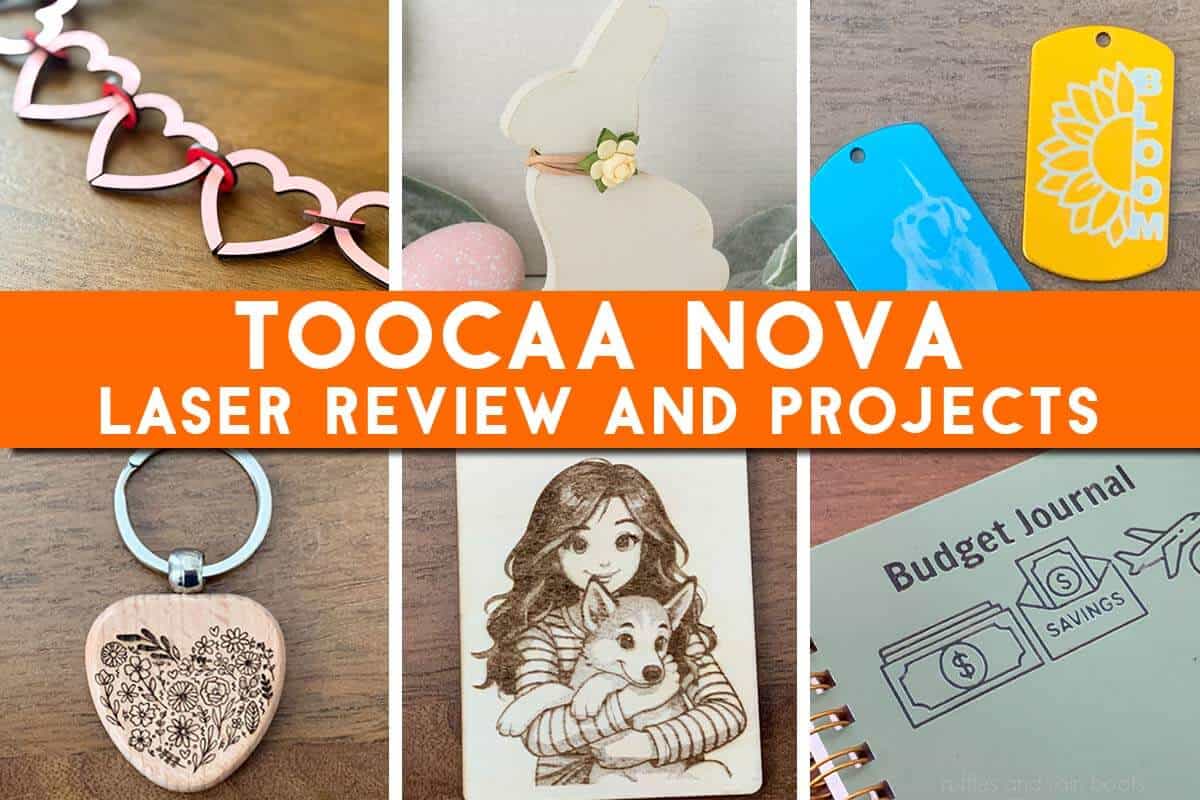
TOOCAA NOVA Laser Engraver Review
TOOCAA sent me the NOVA 20 watt diode laser to review and there’s a LOT bundled into this little package. This award winning unit and software were a lot of fun to work with I kept saying to myself, “This is so well-engineered!”
RELATED READING: Free Easter Bunny File and Tutorial for the TOOCAA NOVA Laser
As an Amazon Associate, I could earn from qualifying purchases. There could be affiliate links in this article.
What You'll Find On This Page
TOOCAA NOVA Laser Review
Here at Ruffles and Rain Boots, I’ve been working to test a new, craft-room friendly laser. Keep reading if you’re looking for:
- an unobtrusive unit (it’s a compact design),
- a machine which can work USB-wired or via Wi-Fi,
- enough power to make a variety of items, and
- an easy, beginner-friendly pathway to laser crafting.
From the moment I opened the TOOCAA NOVA laser engraver, I could immediately spot the thoughtful design and engineering that went into its creation. There are no exposed wires, gaping openings for kerf or debris to get stuck in, or hard to clean components.
In fact, TOOCAA was just awarded the 2026 iF Design Award! The machine, company, software, and development team were recognized for making a seamless creative system.
Highlights of My TOOCAA NOVA Review
For my review, I received the 20 watt diode laser bundle with the rotary accessory. Both the 10 watt and 20 watt options come with a Smart Air Assist and a full year’s warranty, and both support the optional rotary add-on.
- My unit was quick to set up: add the laser module on with 2 screws, plug in the air assist, and add the exhaust hose. It’s very light and can be moved easily by one pereson.
- The built-in safety features will ease anxiety in any beginner laser crafter.
- Positioning with the camera was simple and accurate, thought it might take some practice to get right.
- TOOCAA Studio, the free, online software, is easy to use and the material library helps ease beginners into laser crafting. Lightburn is compatible.
- I put this machine through a series of projects including various wood options, PU leather, cork, and pre-made items such as keychains, patches, journals, and coated aluminum tags. It performed well with very few issues and the attention to speed (up to 36,000 mm / minute) is noticeable.
- The TOOCAA NOVA is an AI-Assisted unit, meaning the AI helper, Anya, is built right into the software to provide guidance and keep it easy to use.

RELATED READING: Laser Masking 101: What is Masking and How to Use It
TOOCAA NOVA Laser Engraver Review
If you’d like to see all of the projects and get my take on this machine, watch the TOOCAA NOVA Laser Engraver review. I walk through the use of the software, options for creating with the NOVA, and display what I have made so far.
Project Creation Takeaways
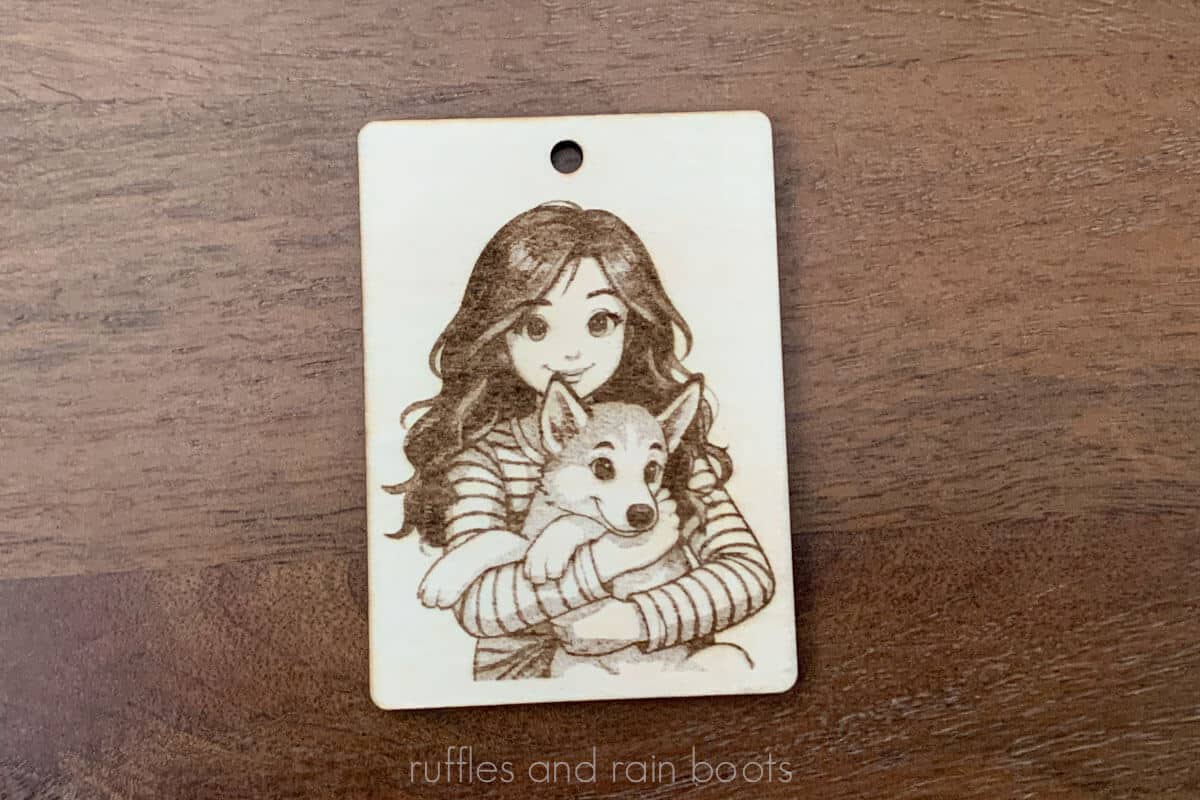
Throughout the video above and in this article, you will see some of my projects made with the TOOCAA NOVA. I love the laser engraved wood – a beautiful, rich brown – and even premade products were easy to work with because of the camera.
- Wood – The unique channel-design of the baseplates allowed the smoke to dissipate away from the projects and keep the back of the items clean. The Smart Air Assist kept the tops crisp and clean, whether using 3mm (1/8th inch) or 6mm (1/4 inch) wood. Note: the unit can process 10mm in one pass.
- Slate – I made beautiful engravings in a light gray or, with added time, a smooth white. Both images and vectors were usable and editable within the software.
- PU Leather – Everything I made burned beautifully and without any issue or over burn; I was very impressed. I did very little testing and it did so well.
- Pre-Made Keychains – These were best done in singles to get the perfect alignment, but you could likely batch work them using the grid for placement.
- Cork – The laser engraving is a gorgeous, consistent color, however, the module touched the material and moved it slightly while it was close to completion. I never figured out why.
- Coated Aluminum – It made clean, crisp engravings with the pre-loaded settings and performed without any issues at all.
- Pre-Made Journals – From kraft to coated paper, the NOVA tested well and created quality projects.

Safety Features
The TOOCAA NOVA is a Class 1 laser engraver, making it the safest option for a home-based laser or a small shop. The working area is 11.7 inches (297 mm) by 8.25 inches (210 mm) and is built with a unique channeling system that really works to keep a handle on smoke!
If one opens the lid, the auto-stop is triggered, which also applies if the laser is raised up or tips in any way. There’s also a child lock you can set right on the device itself to keep unwanted fingers from accidentally starting it up.
The Smart Air Assist moves away kerf, detritus, and smoke and is the best fire safety option built right into the use of the machine. You do not have to worry about manually setting it for any preloaded materials!
The safety glass keeps eyeballs safe and the smells down because they stay in the enclosure and are vented out of the exhaust hose in the back. I do recommend a purifier (if you cannot vent out of a window) or an aftermarket inline fan (if you can vent out a window).

Cleaning the Machine
It seems no one ever talks about the maintenance and cleaning of lasers in reviews, but I think it’s very important to mention because the practice will keep your laser running smoothly, your finished products better, and even cut down on smells or fire.
Because the unit has a modular laser set up, you can simply remove the laser module and clean it. I use air, small foam swabs, and a soft brush.
The inside of the unit is simply wiped down with a general cleaner and shines like new. It’s very well-engineered, so kerf and detritus aren’t sent into random nooks and crannies.
Finally, the baseplates are very easy to get sparkling like new again. I removed them, sprayed them with a degreasing dish soap (Dawn PowerWash), and let them sit for five minutes. Once rinsed, I let them air dry and they were ready for more!

What I Would Change
Overall, the laser itself seemed to be without any issues at all. I only ran into software glitches and I believe it was because I use a Mac. The issues weren’t deal-breakers and nothing stopped me from creating, however, I feel they should be mentioned.
- The scoring (line work) was inconsistent and would sometimes result in jagged lines.
- When working with dark materials, the lack of lighting inside the unit made it difficult to place items. This was easily solved with a paper background.
- Software glitches weren’t constant, but some were consistent. For example, if I selected an item and pushed delete on my computer OR the trash can icon in the layers panel, my entire menu would disappear. This prevented me from saving any progress I had made.
My Recommendation
Overall, I am very impressed with the TOOCAA NOVA and the price point is very aggressive and well-positioned for beginners. I always recommend to get the highest wattage you can afford – the 20 watt – unless you’re working with miniatures or extremely detailed items.
The internal fan is good for slate, coated aluminum, and lighter wood engravings, however, I do recommend either a purifier or an inline fan to assist in keeping the smells down. If you can vent out a window, opt for the inline fan. If you cannot, opt for an air purifier to connect directly to the unit (TOOCAA has a smoke purifier).
Please Save or Share This Laser Review
Your shares are how this site grows and I am sincerely grateful. Please save this to a laser DIY pin board or share it with a crafty group on Facebook.

Meet the Creator
Hi there, I’m Sarah Nenni-Daher. I’m a crafty gal and always have at least 14 projects going at once. I am a crafter, designer, DIYer, and pattern maker. I share my creations here and in the Ruffles and Rain Boots® Shop.
Here at Ruffles and Rain Boots®, you’ll find DIY gnomes, crafts, gifts, cupcakes, laser crafts, and so much more. I love sharing video tutorials over on YouTube and chatting with other crafters in my Facebook groups. We’d love to have you!